Banquet halls, stages, events
Lay out tables, chairs, stage, backdrop and floral gates at true hall size; plan aisles and sightlines from each table; count items for quotes and supplies.
Draw the floor plan to the millimetre, place round tables, stages, backdrops and flower arches, then look from any angle. Type a sentence and AI arranges it, renders the view, and you send the client a quote with a PDF deck.
Try free for 7 days See pricing
7 days free with 100 AI credits. Sign in with your email.
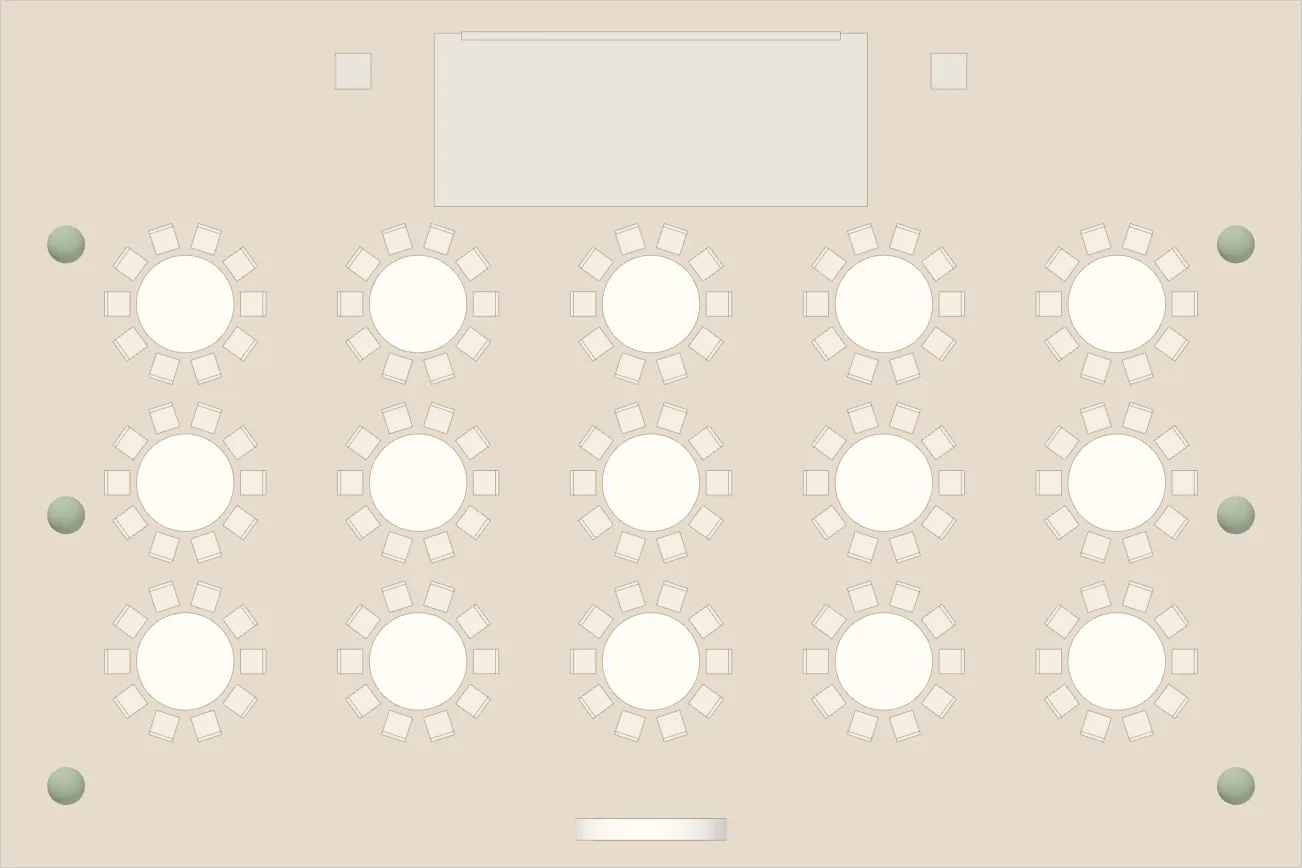
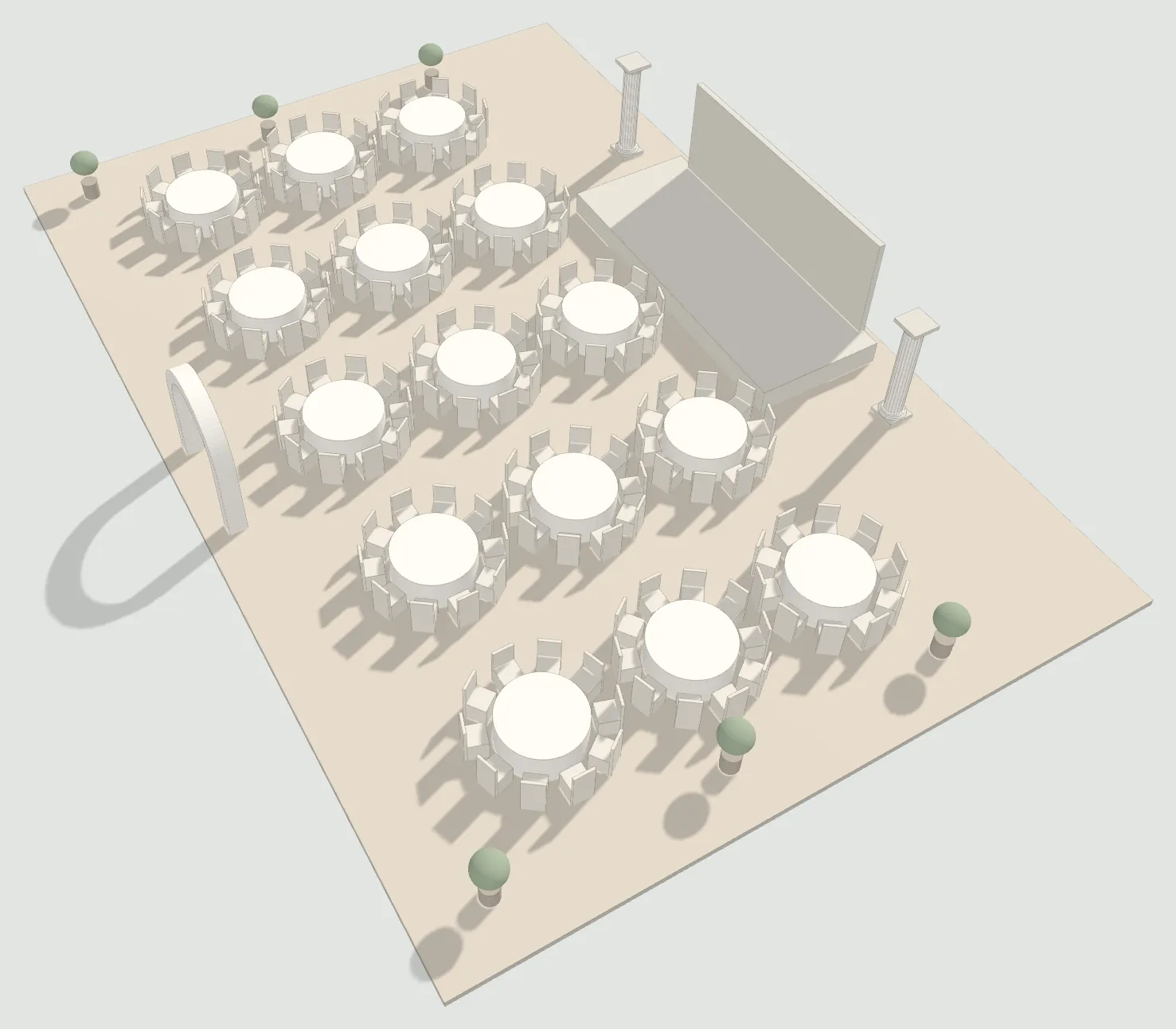
Interior Design AI is for anyone who has to lay out a space before it is built, and show the client, get approval and quote on the spot.
Lay out tables, chairs, stage, backdrop and floral gates at true hall size; plan aisles and sightlines from each table; count items for quotes and supplies.
Build a room, arrange furniture, switch layouts in minutes and show the client a render before they order.
From one floor plan to a client pack with renders, quote and PDF; the whole team opens the same project on phone, tablet and computer.
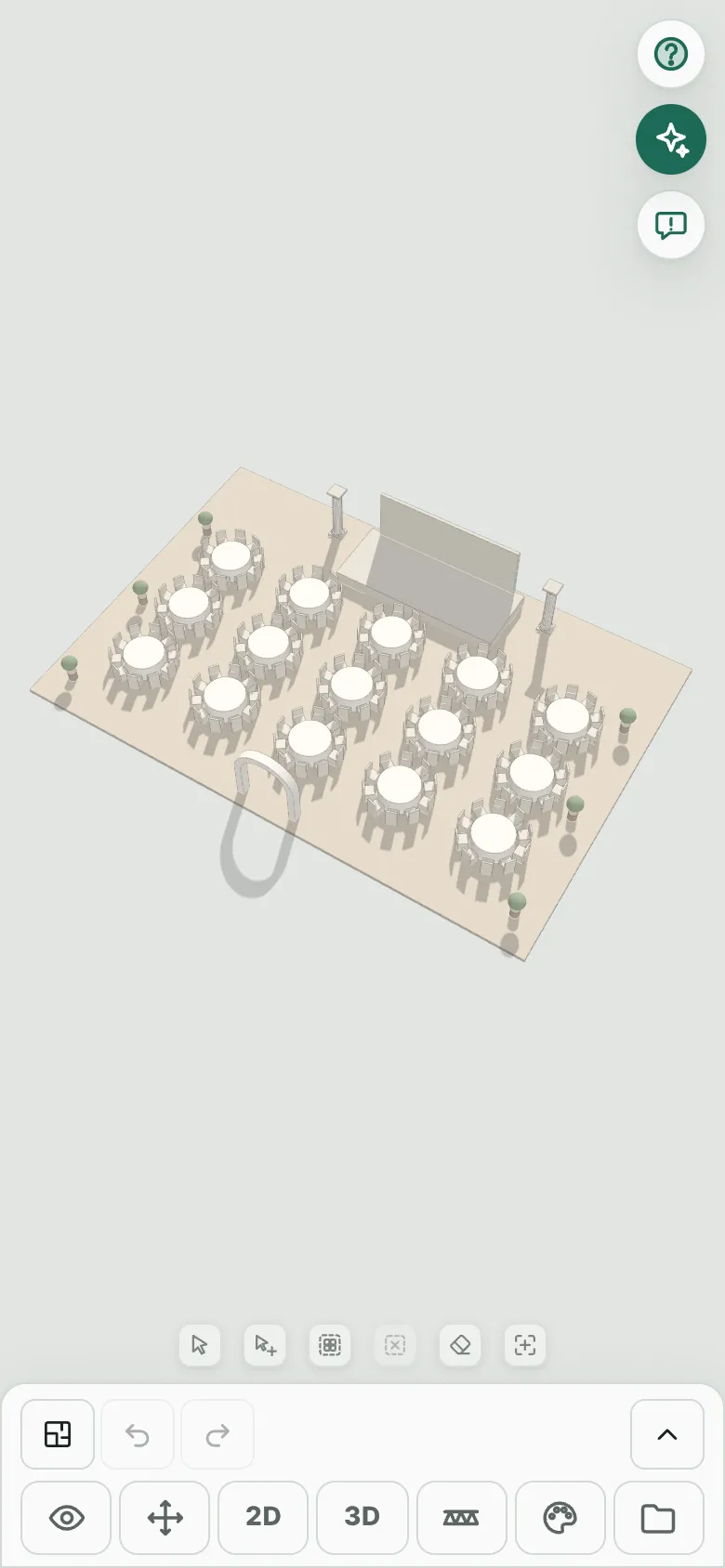
Enter the size, draw walls, or photograph a drawing for AI to read the walls.
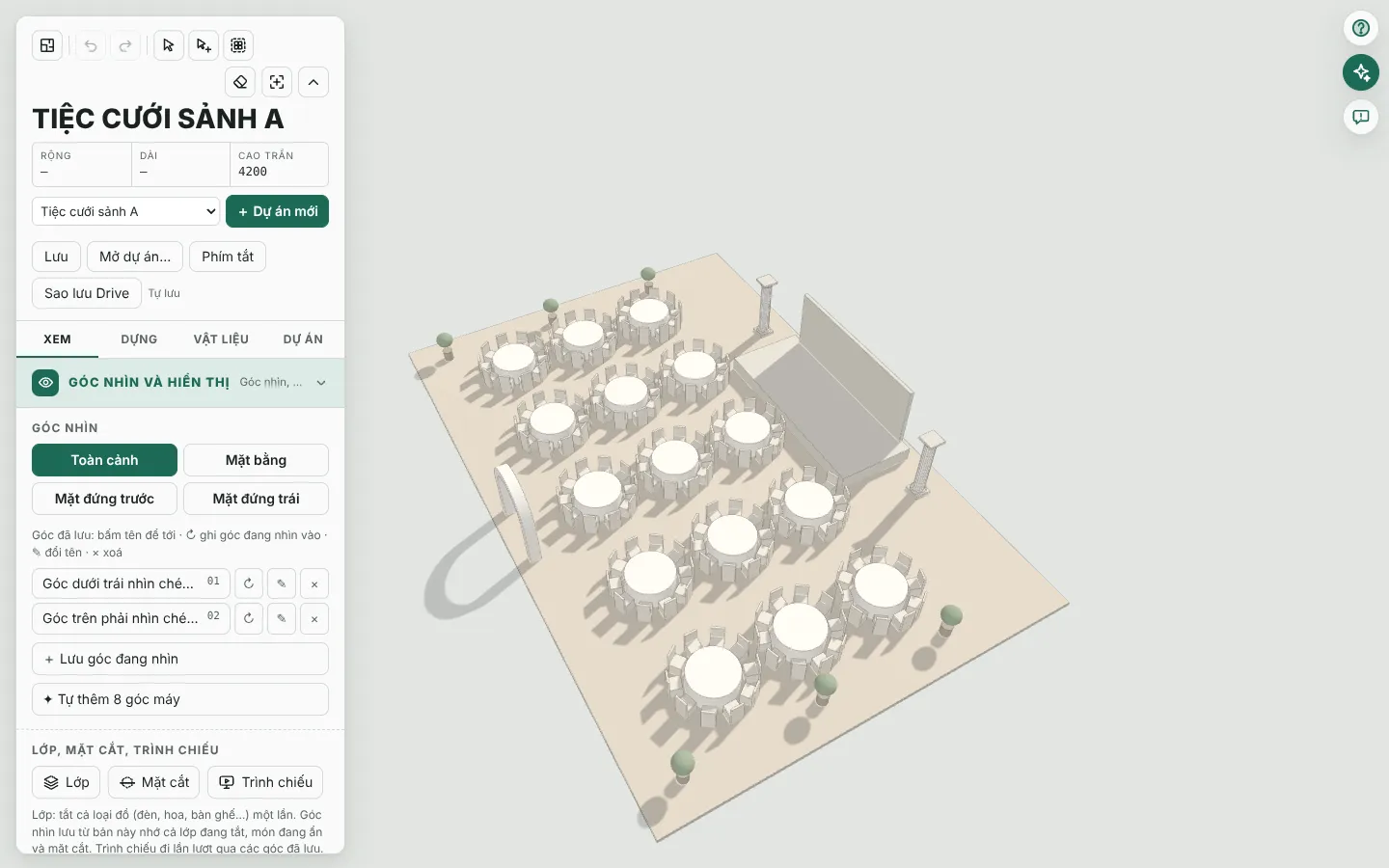
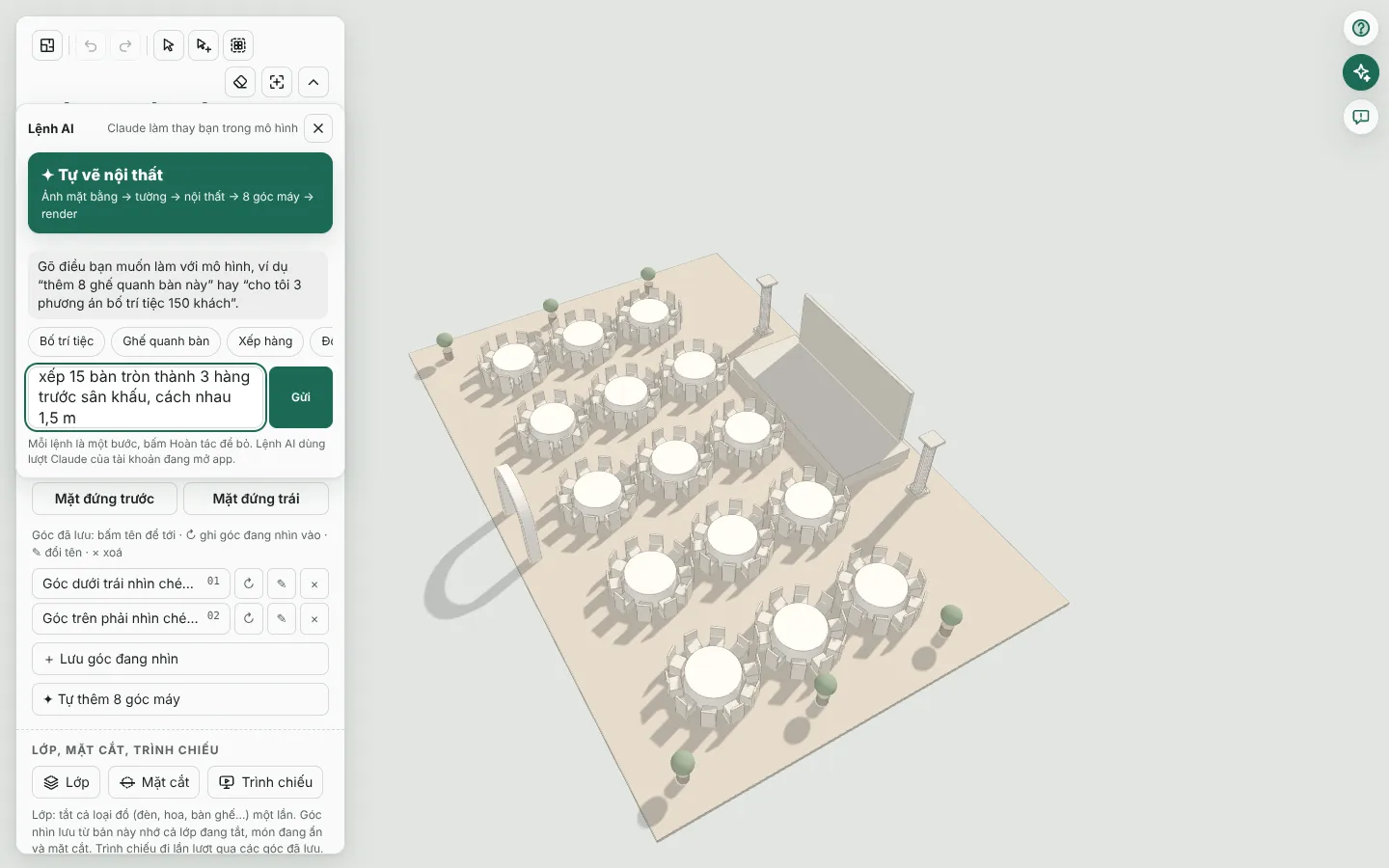
Drag tables, chairs, stages and backdrops from the library, or type a command for AI.
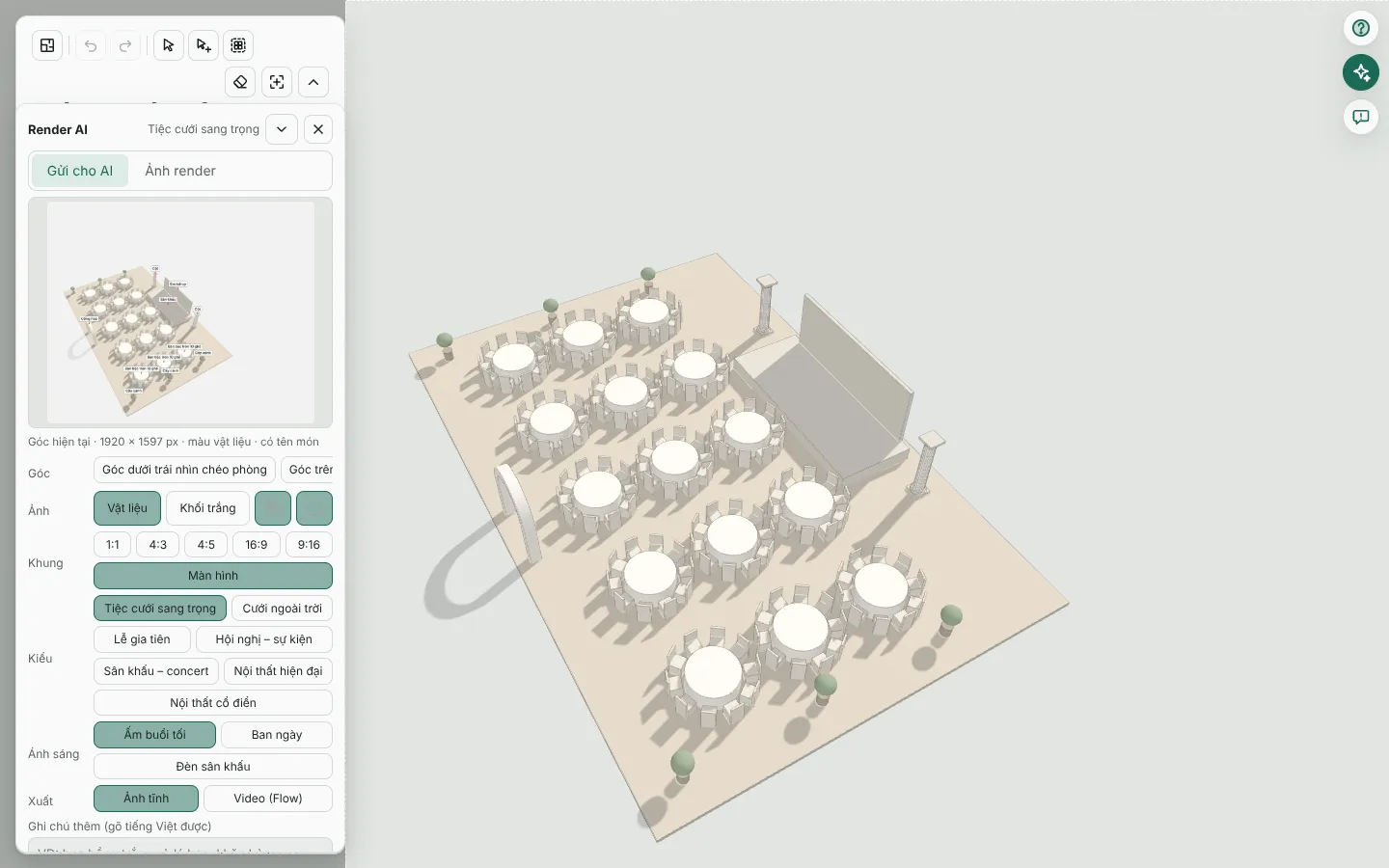
Pick a camera, press Render, choose the best of 4 images.
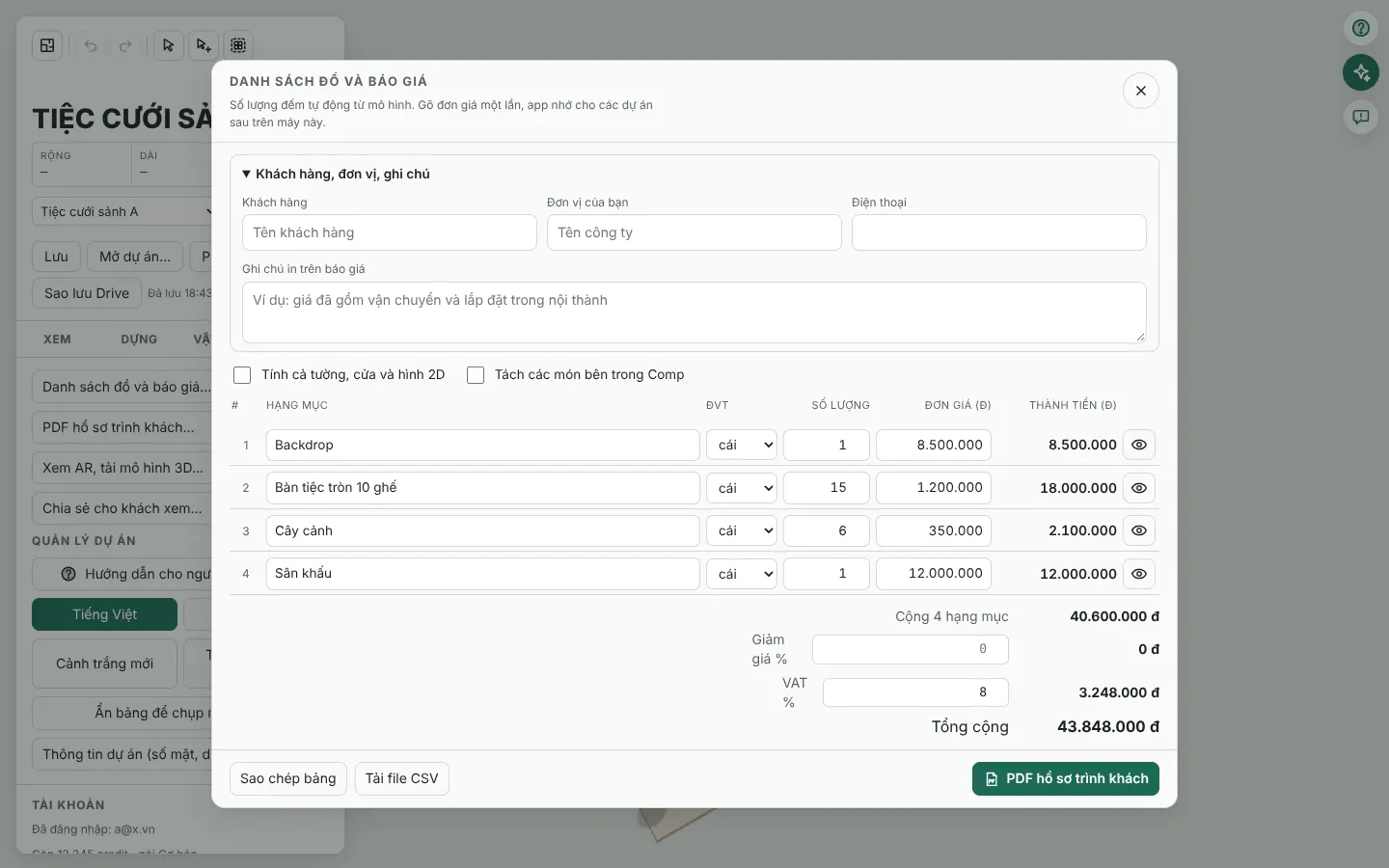
Export a PDF with the quote, share a view link, or open AR on an iPhone.
Pay monthly or yearly; a year costs the same as 10 months. Cancel any time and keep using the plan until the paid period ends.
| Plan | Monthly | Yearly | AI credits a month |
|---|---|---|---|
| Trial7 days | Free | — | 100 (whole trial) |
| Basic | 250,000 VND | 2,500,000 VND | 500 |
| Pro | 490,000 VND or US$19.99 |
4,900,000 VND or US$199.90 |
3,000 |
| Studio | 1,290,000 VND or US$49.99 |
12,900,000 VND or US$499.90 |
12,000 |
Buy inside the app and use it within minutes. The 7-day trial needs no card.
Open the app, enter your email, get a 6-digit code and sign in. No password.
Open the Account panel, Buy a plan: pick monthly or yearly, or buy extra AI credits.
The payment page shows a QR code. Open your banking app, scan and confirm. Online payment is currently by QR bank transfer (Vietnamese dong).
When the payment arrives the app confirms it and updates your plan and credits. Your order history appears under the buy buttons.
Prices, monthly credits and the cancellation and refund terms are in the pricing table above and the Refund Policy in the footer. If payment goes wrong, write to us through Contact on the home page.
Signing in with your email starts it; the first 7 days include 100 AI credits for AI commands and renders. After 7 days you pick a plan to continue.
Credits pay for AI features such as image renders, AI commands, wall detection and photo to 3D. The app shows your balance and each charge. When they run out you can buy more.
iPhone, iPad and computers (browser). One account can be used on one phone, one tablet and one computer at a time; projects sync between them.
You can still open and export your projects after your plan ends. Cancel any time and keep using the plan until the paid period ends.
See the Refund Policy in the footer. If something goes wrong with a payment, write to us and we will check the order for you.
Not answered? Write to us: komodoaiapp@gmail.com
7 days free with 100 AI credits. Sign in with your email.